Guide
When2meet Alternatives for Groups That Never Get Past “When Works?”
When2meet shows when everyone is free. These five tools differ in the part that kills most plans: what happens after the grid is filled in.
Already Happening Plans · Updated
When2meet does one thing well. You name an event, pick a range of days and hours, and share a link. Everyone enters a name and drags across the times they're free, and the grid darkens where people overlap. There are no accounts and nothing to install, which is why it is still the default for clubs, study groups and friends.
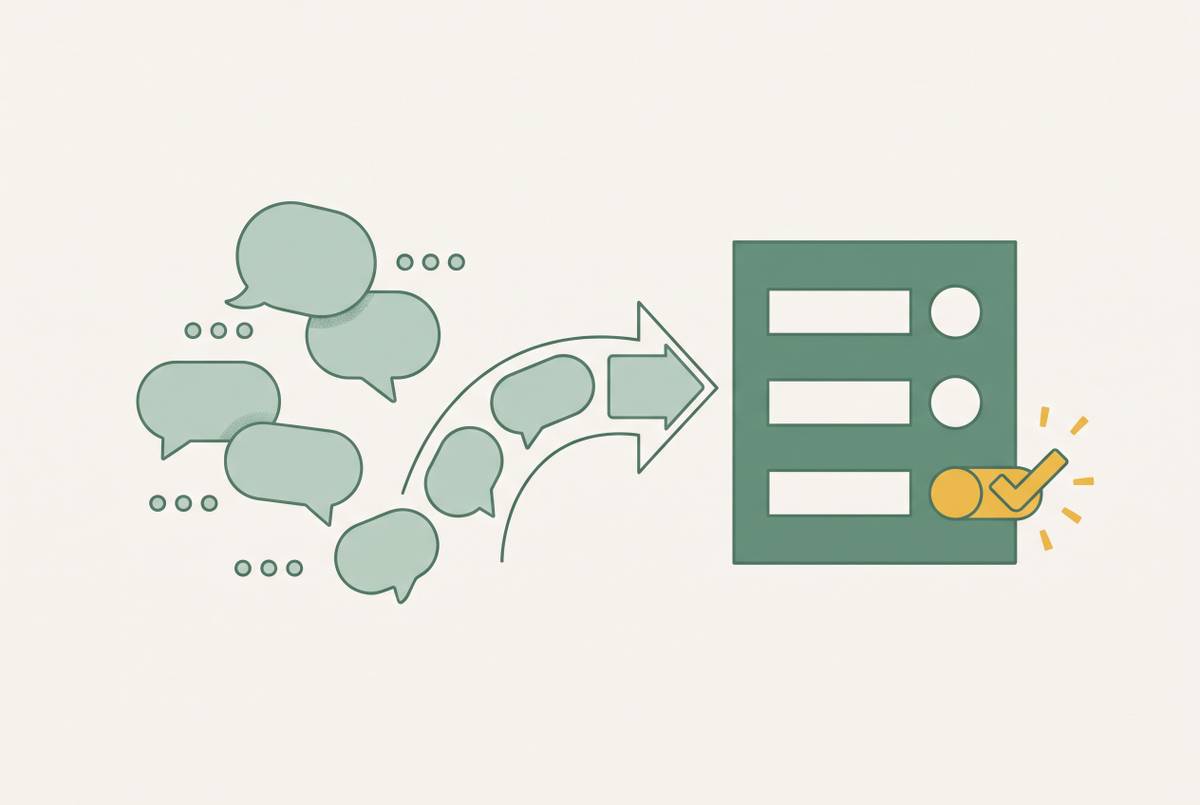
It stops there. Nobody is told the grid is full, the tool doesn't pick a time, no invite goes out, and the two people who never opened the link are never asked again. For a group chat, that gap is where the plan usually dies: the overlap is visible, but nobody wants to be the one who calls it.
So the useful question isn't which grid looks nicest. It's who each tool is for, and how much of the follow-through it takes off one person's plate. Below are five alternatives, from the closest like-for-like swap to the one that skips the link altogether.
At a glance
| Tool | Best for | How people answer | After everyone answers |
|---|---|---|---|
| Crab Fit | The closest swap: the same drag-to-mark grid, with a heatmap and a time-zone setting. | Drag across a grid | You read the heatmap and pick |
| Rallly | Choosing between a few dates you already have in mind. | Vote yes, if need be, or no on each option | You finalize a time and Rallly sends calendar invites |
| LettuceMeet | Groups where people keep their plans in Google or Outlook calendars. | Fill in a grid, with your calendar shown underneath | You see the overlap and pick |
| Doodle | Work and committee scheduling, where a deadline and reminders matter. | Pick from proposed time slots | Deadlines, automated reminders and calendar sync, depending on plan |
| Pencil | Friends who already plan in an iMessage group chat and never fill in links. | Nothing to open: they reply in the chat | Pencil follows up and sends the calendar invite |
1. Crab Fit
Best for: The closest swap: the same drag-to-mark grid, with a heatmap and a time-zone setting.
Crab Fit works the way When2meet does. You create an event with a rough window, either specific dates or days of the week, set a time range and a time zone, then enter your own availability and send the link. Everyone else fills in theirs, and a heatmap shows where the group overlaps; you can tap a slot to see exactly who is free and copy its details.
It is free, open source and run on donations, and nobody needs an account. If your group already knows When2meet, nothing about Crab Fit needs explaining.
Watch out for: Like When2meet, it shows you the answer and leaves the rest to you: choosing the slot, telling the group and chasing anyone who never filled it in.
Plans and details: crab.fit
2. Rallly
Best for: Choosing between a few dates you already have in mind.
Rallly is a poll, not a grid. You propose a handful of dates or times, share the link, and each person marks every option yes, if need be, or no. The “if need be” answer is the useful one for friends: it separates the times that genuinely work from the ones someone could make if they had to.
Nobody needs an account to create or answer a poll, and when you use specific times each person sees them in their own time zone. Once the votes are in, you finalize the poll to lock in a time, and Rallly sends the calendar invites. It is open source and can be self-hosted; a paid Pro plan adds things like branding and keeping polls indefinitely.
Watch out for: You have to choose the options up front, so it's a poor fit when the group has no idea yet which weekend is even possible. Someone still has to nudge the people who haven't voted.
Plans and details: rallly.co
3. LettuceMeet
Best for: Groups where people keep their plans in Google or Outlook calendars.
LettuceMeet is another availability grid: pick a range of dates or a single day, share it, and everyone fills in when they're free. The difference is that anyone who signs up can connect a Google or Outlook calendar and see their own events underneath the grid while they fill it in, so fewer people mark a time they've already given away.
With an account you can also edit a meeting after creating it, find the ones you've made or answered on your profile, and get notified when someone responds.
Watch out for: The calendar overlay only helps the people who sign up and connect one. Everyone else is back to filling the grid from memory, and the tool still doesn't pick the time for you.
Plans and details: lettucemeet.com
4. Doodle
Best for: Work and committee scheduling, where a deadline and reminders matter.
Doodle is the best-known group poll. You propose time slots, participants pick the ones that work without needing an account, and you choose the winner. It connects to calendars and video tools such as Google Meet and Zoom.
The features that help a stalled poll, setting a deadline and sending automated reminders, belong to Doodle's paid plan, and the free plan limits how many polls and time slots you can create. For a recurring work meeting that trade can be worth it; for a one-off dinner with friends it's usually more tool than the plan needs.
Watch out for: Doodle's own plan comparison lists the free plan's limits and which features need a paid plan. Check it before you send a poll to twenty people.
Plans and details: Doodle's plan comparison
5. Pencil
Best for: Friends who already plan in an iMessage group chat and never fill in links.
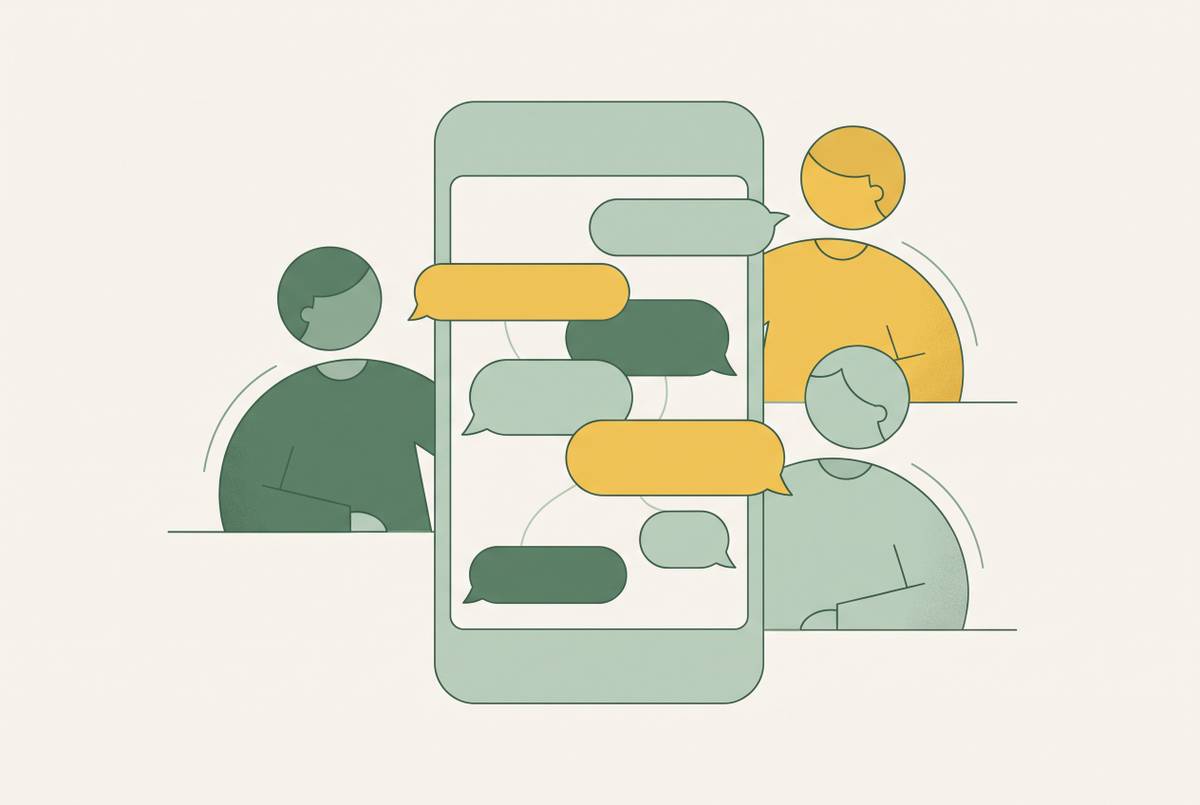
Every tool above asks the group to leave the conversation, open a link and come back. Pencil works the other way around. It is an AI scheduling assistant you add to an iMessage group chat; it uses your calendar to find a time, coordinates in the thread, and sends the calendar invite once the plan lands.
The part that matters for a When2meet user is the follow-up. When the thread goes quiet, Pencil gives it a few bumps at the right moments, so the reminder no longer has to come from you; the bumps can be turned off in settings. In group chats it shares only when you're free, never what you're doing, and it keeps the details you give it about your people (time zones, which days work, usual plan length) on a dashboard you can see and edit.
Watch out for: It lives in iMessage, so it fits groups that already plan there. Pencil's site explains what it needs from you and from the rest of the chat, and what the free and paid plans include.
Plans and details: textpencil.com
How to choose
Start with where your group already talks. If plans form in an iMessage thread and links get ignored, a tool that works inside the chat removes the step people skip. If the group is spread across email, Slack and WhatsApp, a link is the common ground, and Crab Fit, Rallly or LettuceMeet will do.
Then decide whether you know the options. A wide-open window (“sometime in March?”) suits a grid like Crab Fit or LettuceMeet. Three candidate Saturdays suit a poll like Rallly or Doodle, where people vote instead of painting a grid.
Last, be honest about who will close it. Most of these tools hand the result back to one person to announce and chase. If that person is always you, and that is exactly why plans stall, choose the tool that sends the invite and the follow-up, or set yourself a deadline before you share the link.
Or skip the tool and propose a time
For four or five friends, a scheduling link can be slower than one confident message. Naming a specific time while people are still keen (“Thursday at 7, the usual place. Can anyone not make it?”) turns an open question into a yes-or-no one, and the people who can't make it will say so. The posts below go further into the scripts and the timing.
Questions
What is the closest alternative to When2meet?
Crab Fit: you share a link, everyone drags across the times they're free, and a heatmap shows the overlap. If your group plans in iMessage, Pencil avoids the grid entirely: people answer in the chat.
Which When2meet alternative sends calendar invites?
Rallly sends calendar invites once you finalize a poll, and Pencil sends the invite once the plan lands in the chat. Doodle syncs meetings to your calendar; check its plan comparison for what the free plan includes.
Which one reminds people who haven't answered?
Pencil follows up in the group chat when the thread goes quiet, and you can turn that off. Doodle lists deadlines and automated reminders as paid-plan features. With When2meet, Crab Fit and LettuceMeet the reminder comes from you.
Do my friends need accounts?
Not for When2meet, Crab Fit, Rallly or Doodle: participants can answer without signing up. LettuceMeet's calendar overlay needs an account. With Pencil there is no link to open: people answer in the iMessage chat.
Where we checked
Features are as each tool describes them on its own site. Prices and plan limits change, so check them there before you choose.